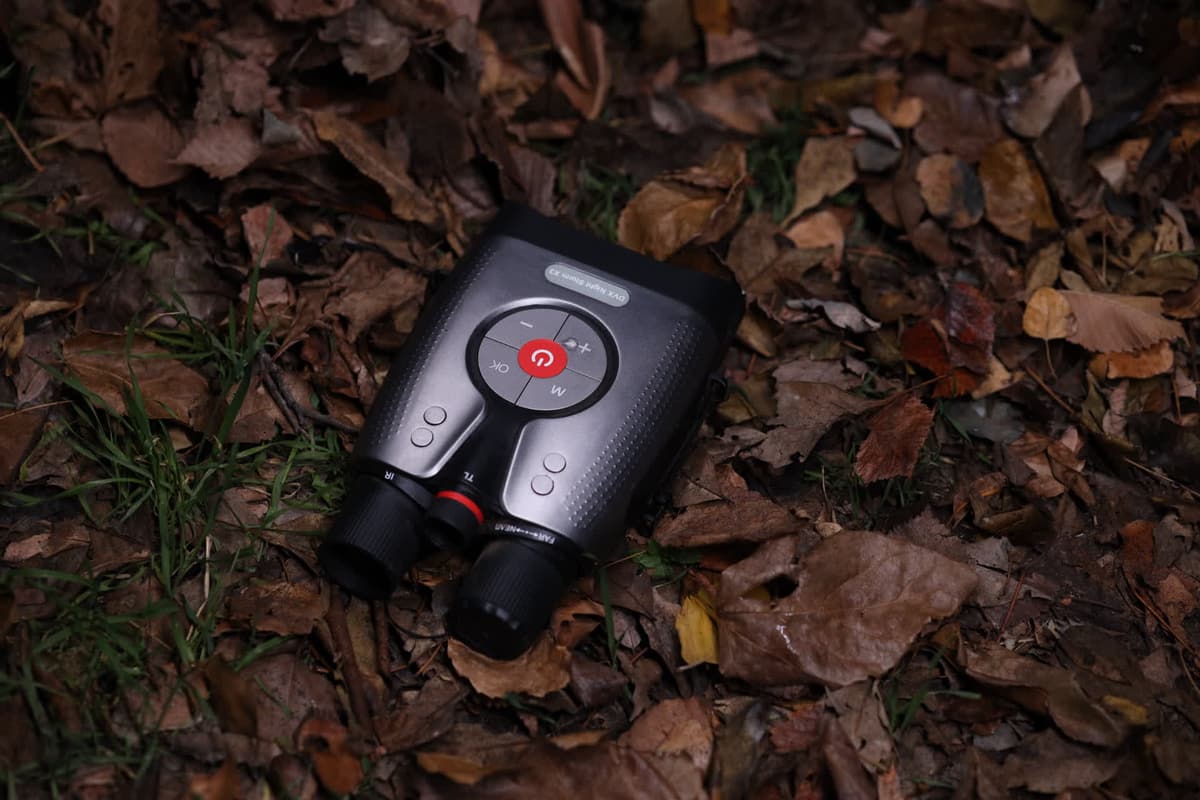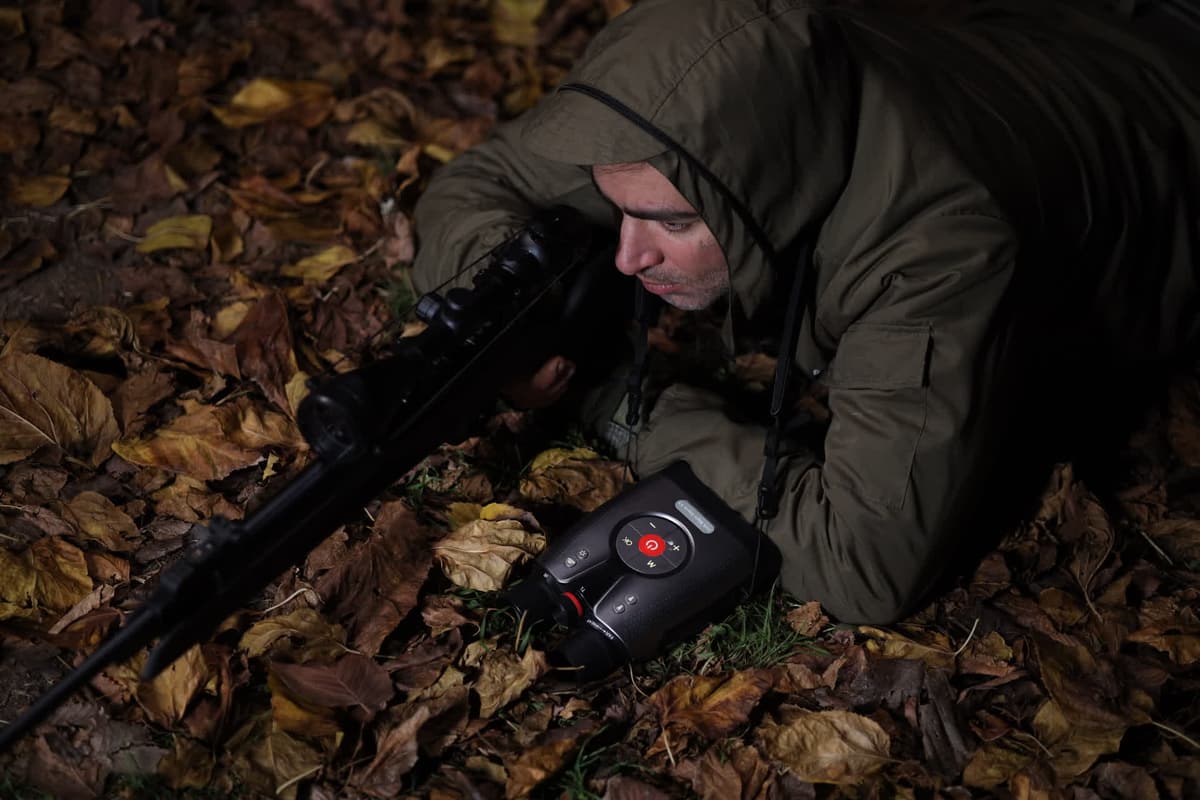
DVX Night Storm binoculars in the field after dark
Owner resources · Free download · No sign-in

Usermanuals.

Everything your Night Storm can do, written down properly. Setup, controls, recording modes, infrared and tactical lighting, care and full specifications — the same manuals that ship in the box, free to download and keep.

Pick your device.

01 Two models, two manuals
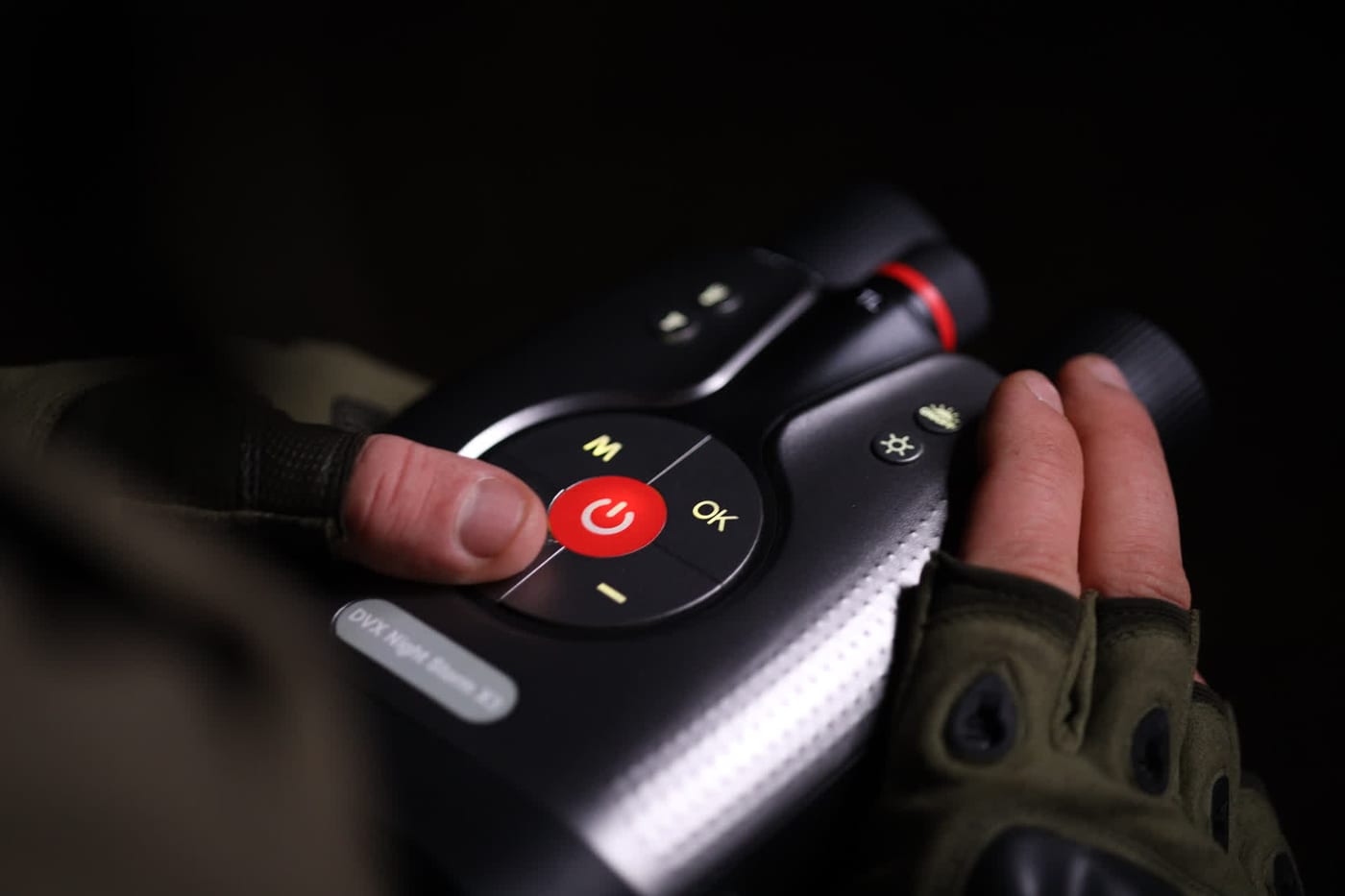
Thumb on the power button of a DVX Night Storm control pad
Model · Night Storm X3

Night Storm X3

4K Pro Night Vision

The flagship manual. Covers infrared imaging and the starlight-grade CMOS sensor, 4K video recording with sound and 52MP still capture, 8× digital zoom, and the built-in tactical light — including the strobe mode that doubles as a distress signal.

4KVideo with sound
52MPStill capture
Digital zoom
Red DotDesign Award 2024
PDF · 5.1 MB12 pagesManual v1.0English
A DVX Night Storm unit resting on leaf litter, controls facing up
Model · Night Storm X3 Pro

Night Storm X3 Pro

4K+ Pro Night Vision

The Pro manual. Same core system, extended where it counts: the recording menu runs 1080P through 4K and 5K to 6K, with advanced electronic image stabilisation active at 4K and 5K. Includes the full resolution list, high-resolution still capture, and the same infrared and tactical-lighting reference.

4K+1080P · 4K · 5K · 6K
Advanced EISActive at 4K & 5K
Digital zoom
Red DotDesign Award 2024
PDF · 4.9 MB12 pagesManual v1.0English

Not sure which one you have?

Check the badge on the body of the unit. The Pro is marked DVX X3 PRO below the control pad; the standard model reads NIGHT STORM. If the recording menu offers 5K or 6K, you have the Pro.

Both manuals are free to download, share and print — no sign-in, no email required. Something missing or unclear? Write to hello@dvxvision.com and we'll fix it in the next revision.

Still
stuck?

Owner support · Real replies · hello@dvxvision.com